

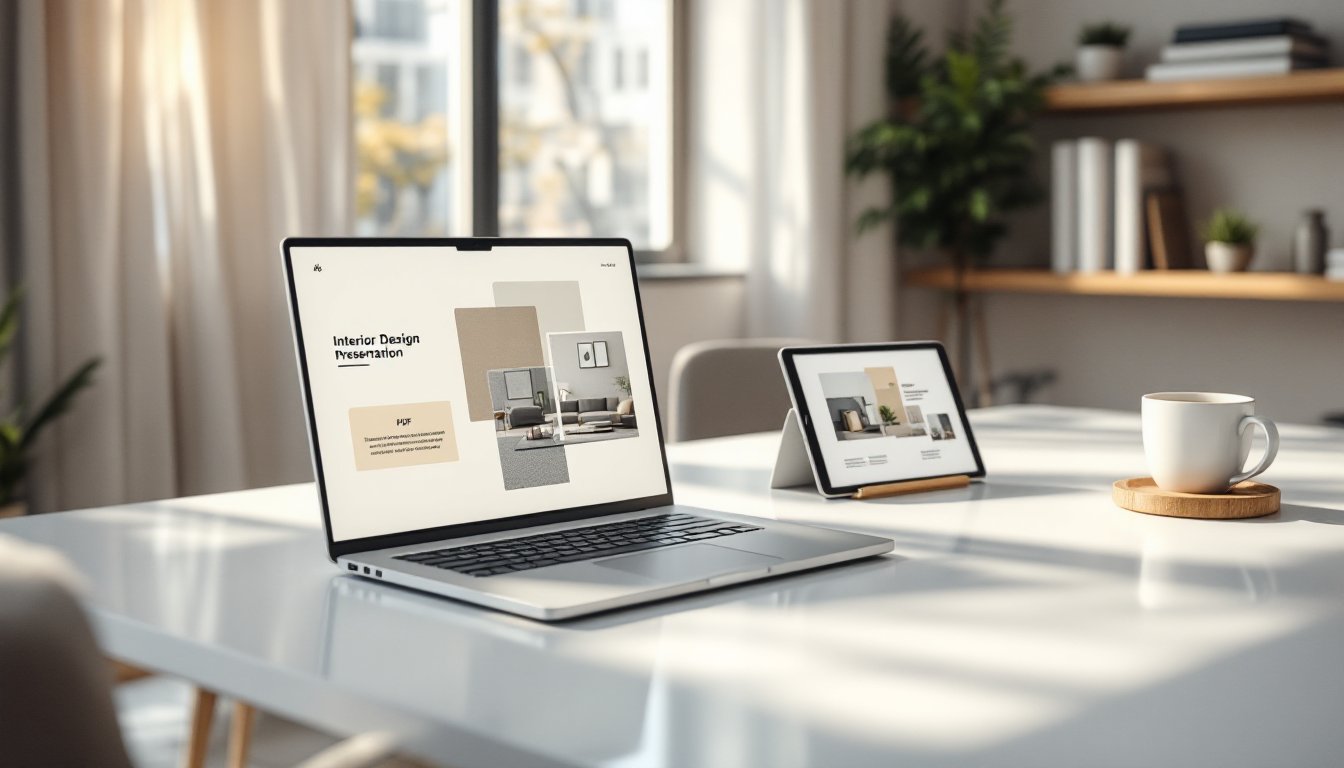
Interior Design Presentation Templates: Your Blueprint for Client Success in 2026
Landing a design client starts with a pitch, but closing the deal depends on the presentation. Interior designers who walk into meetings with polished, professional presentation templates don’t just look more credible, they communicate faster, reduce revision rounds, and command higher fees. A well-built template streamlines the design story, keeps branding consistent across projects, and frees up time for actual design work instead of reformatting slides at midnight. With clients expecting digital fluency and visual clarity in 2026, a reusable presentation framework isn’t a luxury, it’s essential infrastructure for any designer serious about growing a practice.
Key Takeaways
- An interior design presentation template saves 3–5 hours per pitch by eliminating layout rebuilds and brand asset searches, freeing designers to focus on actual design work.
- Professional templates enforce visual consistency across fonts, colors, and branding elements, building client trust and signaling that designers control every detail.
- Core slide elements—mood boards, floor plans, material specifications, and transparent budget breakdowns—keep presentations focused on design decisions rather than navigation.
- Customizing your presentation template to match the client’s aesthetic preferences, project complexity, and local code requirements dramatically increases approval rates and perceived professionalism.
- Rehearsing your narrative and pausing at decision points transforms a template-based presentation into a collaborative conversation that reduces revisions and positions the designer as organized and client-focused.
Why Every Interior Designer Needs a Professional Presentation Template
Designers without templates waste 3–5 hours per pitch rebuilding layouts, hunting down brand assets, and resizing images. That’s billable time lost before a contract is even signed. A presentation template eliminates format paralysis and ensures every deck opens with the same professional polish, whether it’s a kitchen remodel or a full commercial fit-out.
Templates also enforce consistency. Clients notice when fonts shift between slides, when image quality varies, or when the color palette drifts. A template locks in branding: logo placement, typography hierarchy, and color codes stay uniform. This builds trust. It signals that the designer controls details, which matters when a client is about to hand over a five-figure budget.
Beyond aesthetics, templates improve communication. Pre-built slide structures, mood boards, floor plans, material specs, budget breakdowns, guide the narrative. Designers can drop in project-specific content without reinventing the flow each time. This reduces cognitive load for the client and keeps meetings focused on design decisions, not slide navigation.
Finally, templates scale. A solo designer can maintain brand continuity across dozens of pitches. A small firm can onboard new team members faster when everyone works from the same deck structure. As the practice grows, the template becomes a shared language, ensuring that every client interaction reflects the studio’s standards.
Essential Elements of a High-Converting Interior Design Presentation
A strong interior design presentation template includes these core slides:
- Cover slide: Project name, designer or firm name, date, and a hero image that reflects the design direction.
- Introduction/About: Brief studio bio, design philosophy, and relevant credentials (certifications, awards, notable projects).
- Project overview: Scope, square footage, timeline, and client goals summarized in 2–3 bullet points.
- Concept & mood board: Color palette, material samples, inspirational images, and design keywords that anchor the aesthetic direction.
- Floor plans & layouts: Scaled drawings with furniture placement, traffic flow, and spatial zones clearly labeled. Include both 2D plans and 3D renderings if available.
- Material & finish specifications: Fabric swatches, paint colors (with manufacturer and code), flooring type, hardware finishes. Use high-resolution images or embedded PDFs.
- Budget breakdown: Line-item estimates for furnishings, labor, materials, and contingency. Be transparent about what’s included and what’s owner-supplied.
- Timeline/Phases: Milestones from demo to installation, with realistic lead times for custom pieces or long-lead items.
- Next steps/Call to action: Contract terms, deposit structure, and what the client needs to do to move forward.
Every slide should serve a decision. If it doesn’t answer a client question or advance the design narrative, cut it.
Visual Hierarchy and Branding Consistency
Visual hierarchy directs the client’s eye to what matters first. Use size, weight, and contrast to separate headings from body text. Primary information, room names, budget totals, key finishes, should be the largest or boldest element on the slide. Secondary details (dimensions, product SKUs, notes) can be smaller or lighter in weight.
Branding consistency means the template reflects the designer’s visual identity on every slide. Choose one or two typefaces (a sans-serif for headings, a serif or secondary sans for body copy) and stick with them. Lock in a color palette: typically 2–3 brand colors plus neutrals. Use the same logo placement, slide margins, and image treatment (rounded corners, drop shadows, or none) throughout.
Consistent spacing matters too. Set standard margins (e.g., 0.5″ on all sides), uniform image sizes for material samples, and predictable text box positions. This makes the deck feel intentional, not improvised. Clients may not consciously notice the grid, but they’ll feel the difference between a designed presentation and a pile of slides.
Types of Interior Design Presentation Templates to Consider
Software-native templates live inside presentation tools like PowerPoint, Keynote, or Google Slides. These are practical for designers already fluent in those platforms. They export to PDF easily and work across devices. The trade-off: limited typography and layout flexibility compared to design-specific software.
Design software templates built in Adobe InDesign, Canva Pro, or Figma offer more control over typography, grids, and image handling. InDesign templates are ideal for print presentations or high-res PDFs. Canva’s drag-and-drop interface speeds up customization but may feel less precise to designers used to professional tools. Figma templates allow real-time collaboration and interactive prototypes, useful for remote client reviews.
Vertical-specific templates cater to niches: residential vs. commercial, modern vs. traditional, remodel vs. new build. A residential template might emphasize lifestyle imagery and finish details. A commercial template would foreground code compliance, ADA requirements, and phased occupancy timelines. Choose (or build) a template that aligns with the majority of incoming projects, then adapt as needed.
Modular templates include a library of interchangeable slides: multiple mood board layouts, various floor plan formats, alternative budget slides. This flexibility lets designers mix and match based on project complexity without starting from scratch. It’s the most versatile approach for firms handling diverse project types.
How to Customize Your Template for Maximum Client Impact
Start by updating the cover slide with the client’s project name and a hero image that reflects their aesthetic goals. Avoid generic stock photos. Use a rendering, a relevant inspiration image, or a photo of the existing space if it’s a remodel.
Tailor the mood board to the client’s stated preferences. If they mentioned “warm minimalism” or “coastal modern,” those keywords should appear on the slide along with images that demonstrate the concept. Include 2–3 material samples as high-res photos or scans: fabric swatches, wood species, tile samples. Label each with the product name and source (e.g., “Sherwin-Williams Alabaster SW 7008” or “Oak, quarter-sawn, natural finish”).
Adjust the floor plan complexity to the client’s familiarity with drawings. First-time residential clients benefit from simplified layouts with minimal annotation. Commercial clients or repeat customers can handle more technical detail: wall dimensions, electrical symbols, finish schedules.
Customize the budget slide to show what the client cares about most. Some want a single total: others need per-room breakdowns or separate hard costs (construction, materials) vs. soft costs (furnishings, decor). Include a contingency line item (typically 10–15%) for unforeseen conditions or client-driven changes. This sets realistic expectations and reduces sticker shock later.
Localize language and units. If presenting to a client in a region with specific code requirements (California Title 24 energy compliance, NYC Local Law 97 for commercial spaces), mention those upfront. Use the client’s preferred measurement system and terminology.
Finally, proofread and test. Check that all placeholder text is replaced, image resolution is sharp (minimum 150 DPI for projected slides, 300 DPI for print), and links (if any) work. Run through the deck once in presentation mode to catch alignment issues or awkward slide transitions.
Best Practices for Presenting Your Interior Design Concepts
Rehearse the narrative. A template provides structure, but the designer’s voice brings it to life. Walk through the deck out loud at least once before the meeting. Know which slides need extra explanation and where to pause for questions.
Lead with the concept, not the credentials. Clients care about their project first. Open with the mood board or a key rendering, then briefly introduce the firm’s background. Save detailed bios for an appendix or leave-behind.
Use a second screen or printed leave-behinds. For in-person meetings, display the deck on a laptop or monitor and provide a printed booklet or tablet with the same slides. This lets clients flip back to earlier pages without interrupting the flow. For virtual meetings, send a PDF in advance but present live, don’t just share a screen and go silent.
Pause at decision points. After showing the floor plan, ask: “Does this layout support how you use the space?” After the material board: “Which of these palettes feels right to you?” This keeps the meeting collaborative, not one-sided.
Handle budget conversations transparently. If the design exceeds the client’s stated budget, present it anyway with a clear breakdown and then offer value-engineering alternatives: lower-cost materials, phased implementation, or owner-supplied items. Honesty here builds trust.
End with clear next steps. Summarize what the client needs to decide, what documents they’ll receive (contract, scope of work, material orders), and the timeline for moving forward. Ambiguity kills momentum.
Conclusion
A well-designed presentation template doesn’t just save time, it positions the designer as organized, intentional, and client-focused. It turns abstract ideas into tangible plans, reduces miscommunication, and sets the stage for smoother projects. Invest the hours upfront to build (or buy and customize) a template that reflects the studio’s brand and workflow. Then use it ruthlessly, refining with each pitch. The payoff shows up in faster approvals, fewer revisions, and clients who trust the process from the first slide.